
Import logbook · Your history comes with you
Switch logbooks. Keep your journey.
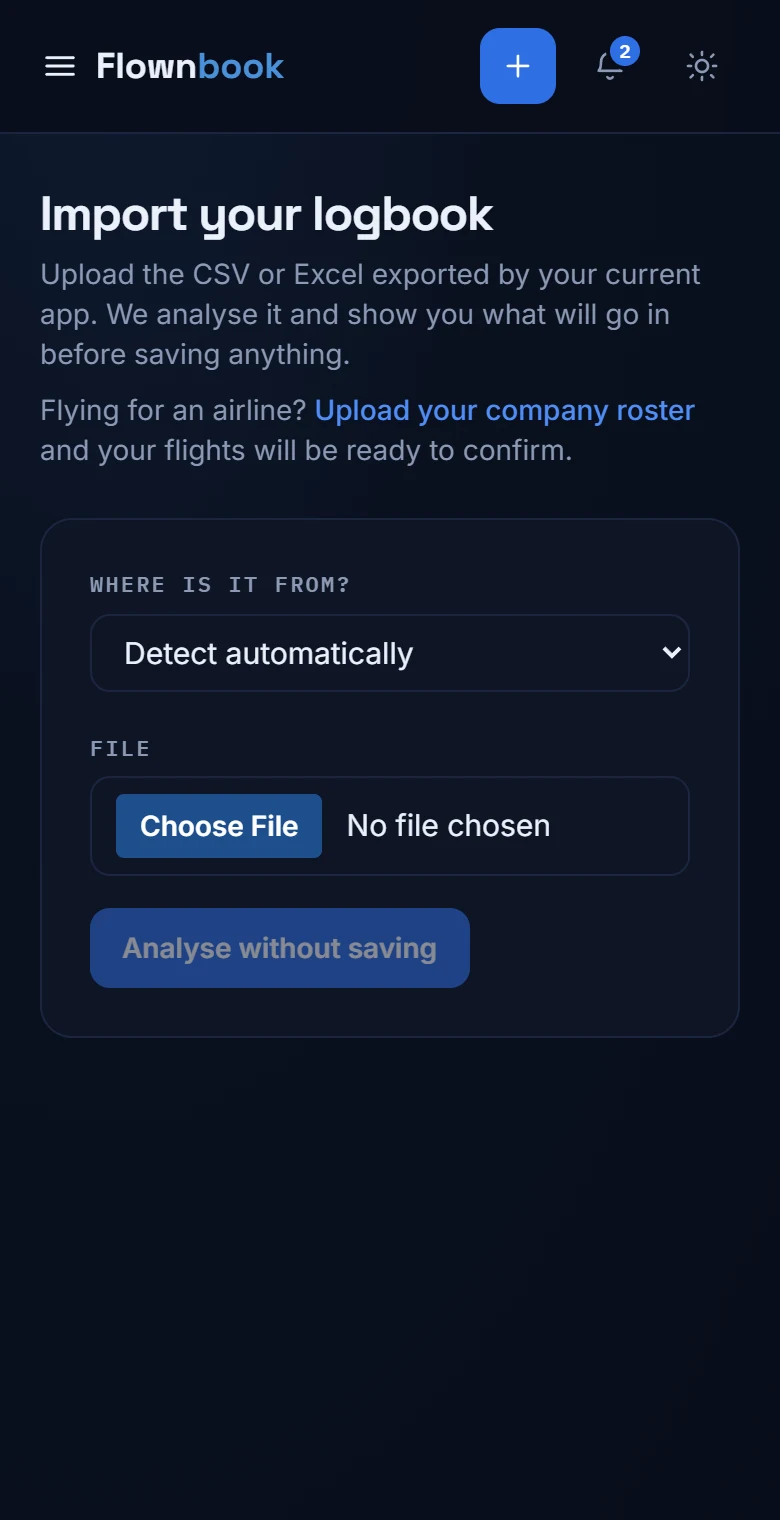
Bring your flights over from a file and review the result before adding it. No need to start your career from scratch.
WHERE TO FIND ITHome or Logbook → Import logbook
Enlarge image ↗
Step by step
How to use
Import logbook.
Open the app and follow along.
Prepare your file
Export your flights from the software you use. Flownbook accepts CSV and Excel files (.xls and .xlsx); the screen explains how to prepare the columns.
Check how it's read
Select the file and check the day and month order. The preview shows valid flights, duplicates and rows that need fixing.
Confirm what goes in
Review the report and tap the import button when you're happy. Once it's done, look at the flights in Logbook and check their times are right.