
Home · Your career at a glance
Open the app. Find your next step.
Your hours, your last flight and the goals within reach. A starting point to keep writing your story.
WHERE TO FIND ITMain menu → Home
Enlarge image ↗
Step by step
How to use
Home.
Open the app and follow along.
See where you stand
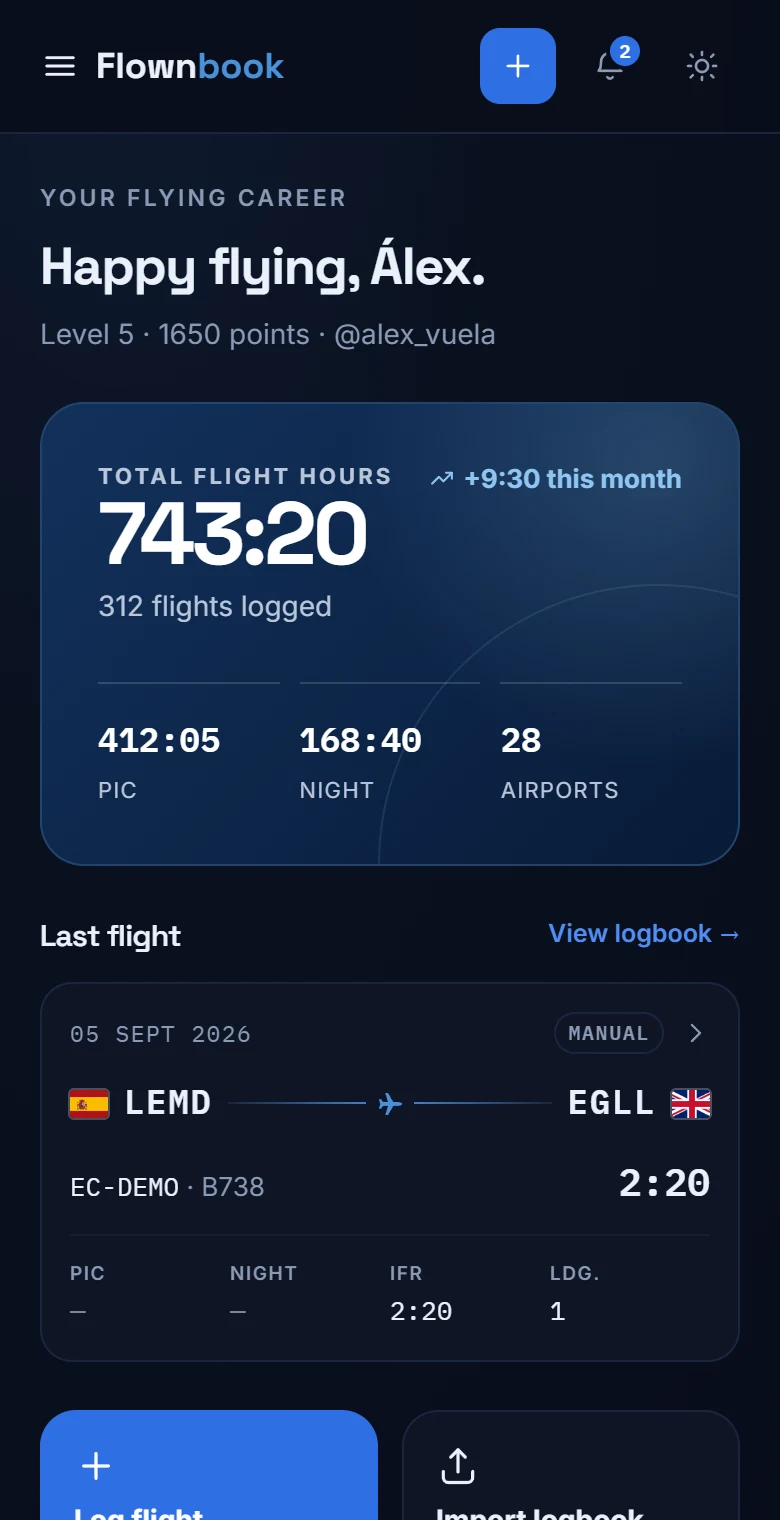
The blue card brings together total hours, number of flights, PIC hours, night time and airports. Above it you'll see your level and points.
Pick up your last flight
Check the route, aircraft and times of your latest entry. Tap “View logbook” to open your full history.
Add what you've flown
Use “Log flight” to record a new leg or “Import logbook” to bring in your history. Further down you'll find your activity and your next achievement.