
Log flight · From the cockpit to the logbook
Land. Log it. Get on with your day.
Record the route, aircraft and your times in a form built around what you need to keep after a flight.
WHERE TO FIND IT+ button in the header → Log flight
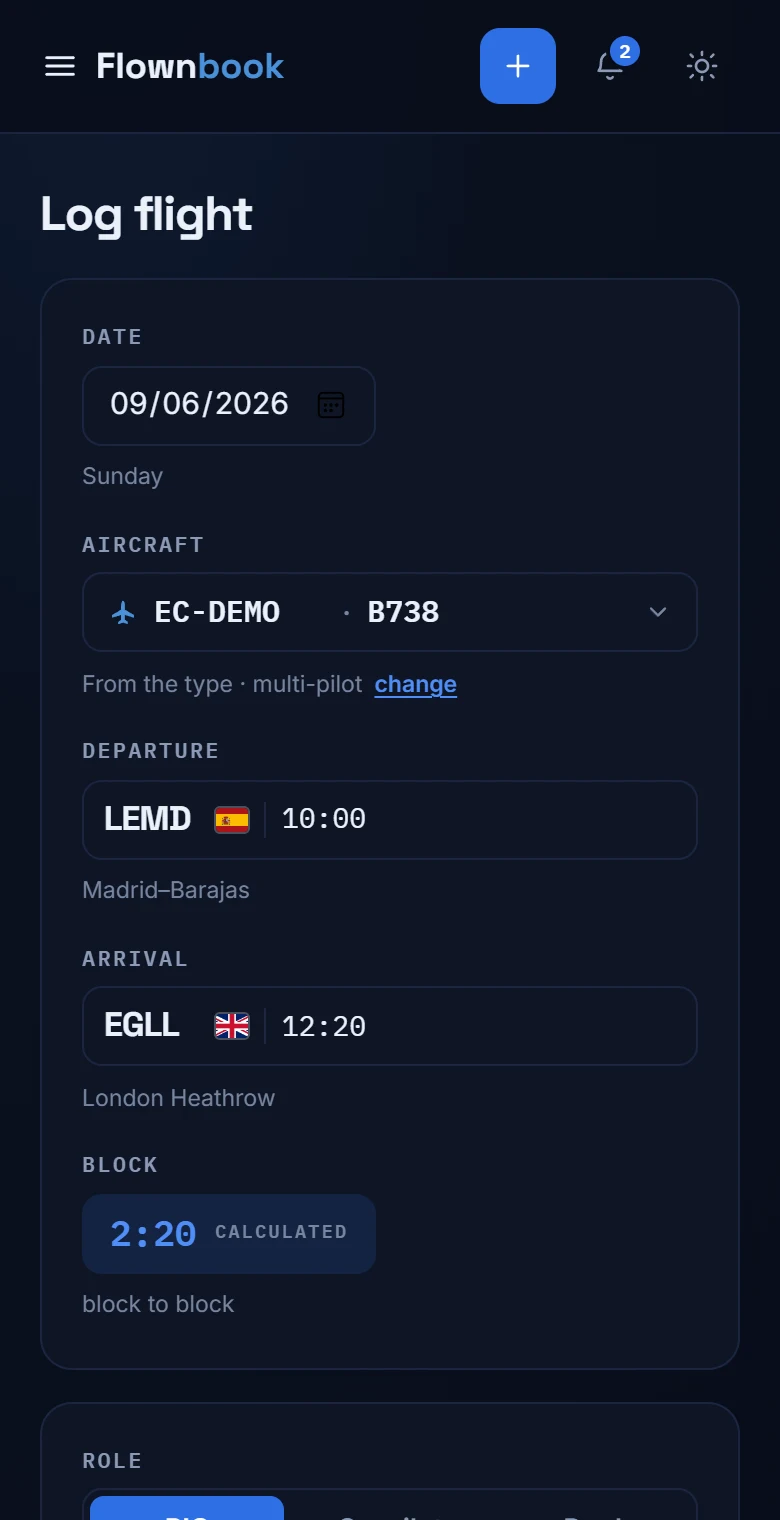
Enlarge image ↗
Step by step
How to use
Log flight.
Open the app and follow along.
Identify the flight
Enter the date, registration and aircraft type. You can pick an aircraft you've already flown so you don't have to type it again.
Fill in the route and times
Type the ICAO codes for departure and arrival, such as LEMD and EGLL. Add the times in UTC and check the total time and the times that match your role.
Review and save
Where it applies, fill in night and instrument time, landings and remarks. Tap “Log flight”; if a field doesn't add up, the form will tell you which one to check.