
Notifications · Don't miss a thing
Your crew has news.
Reactions to your flights, follow requests and progress in your challenges. All the activity you care about, in one inbox.
WHERE TO FIND ITBell icon in the header
Enlarge image ↗
Step by step
How to use
Notifications.
Open the app and follow along.
Open the bell
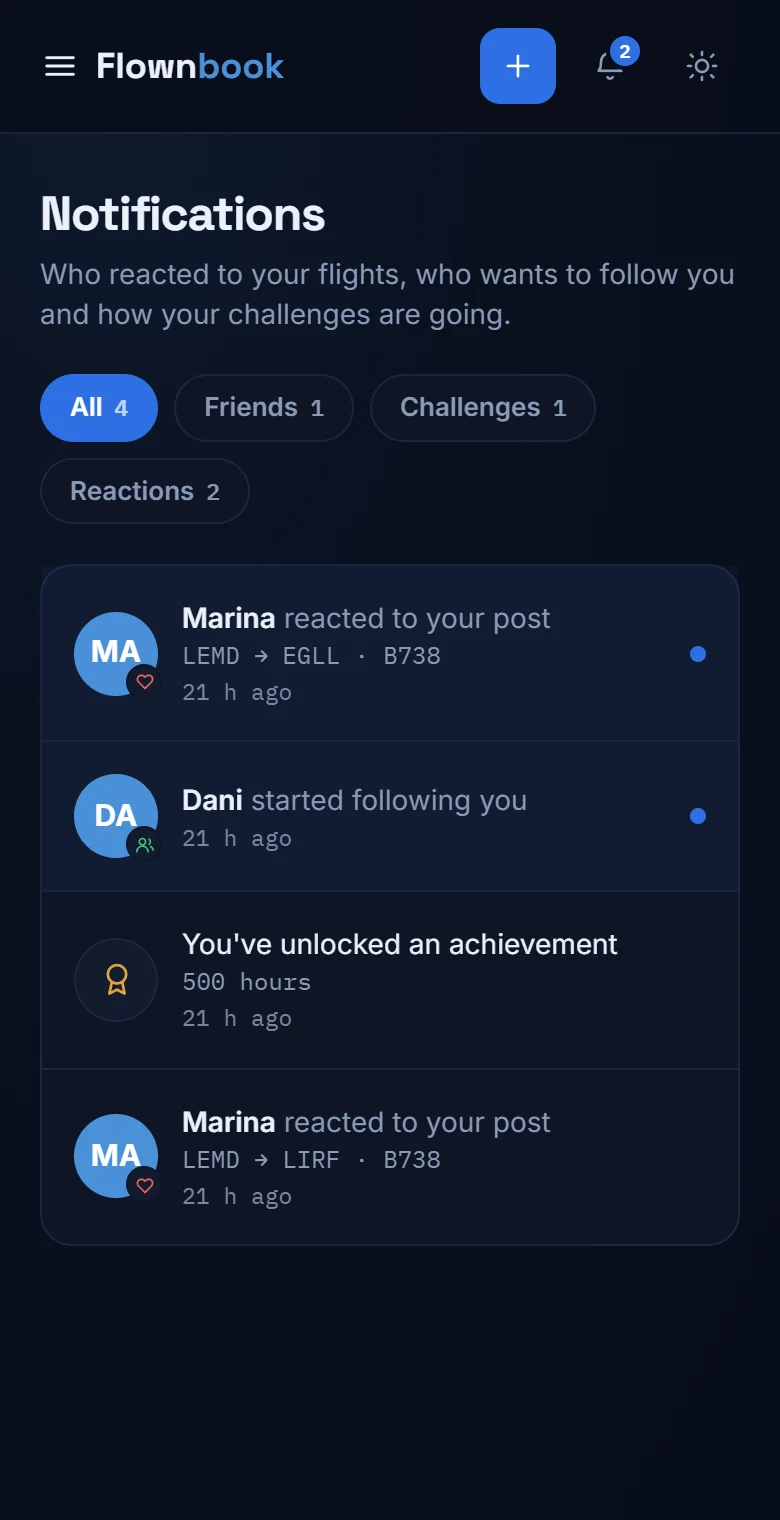
The badge in the header shows what's pending. Open Notifications to see the inbox; when you do, notifications are marked as read.
Filter what you want to see
Switch between “All”, “Friends”, “Challenges” and “Reactions”. Each tab shows the number of notifications in its category.
Answer a request
If someone asks to follow you, you can accept or decline right from the notification. You can also open their profile to get to know them.