
Settings · Your way
Your profile. Your data. Your call.
Update your details, decide who can follow you and download a copy of your data, all in one place.
WHERE TO FIND ITMain menu → Settings
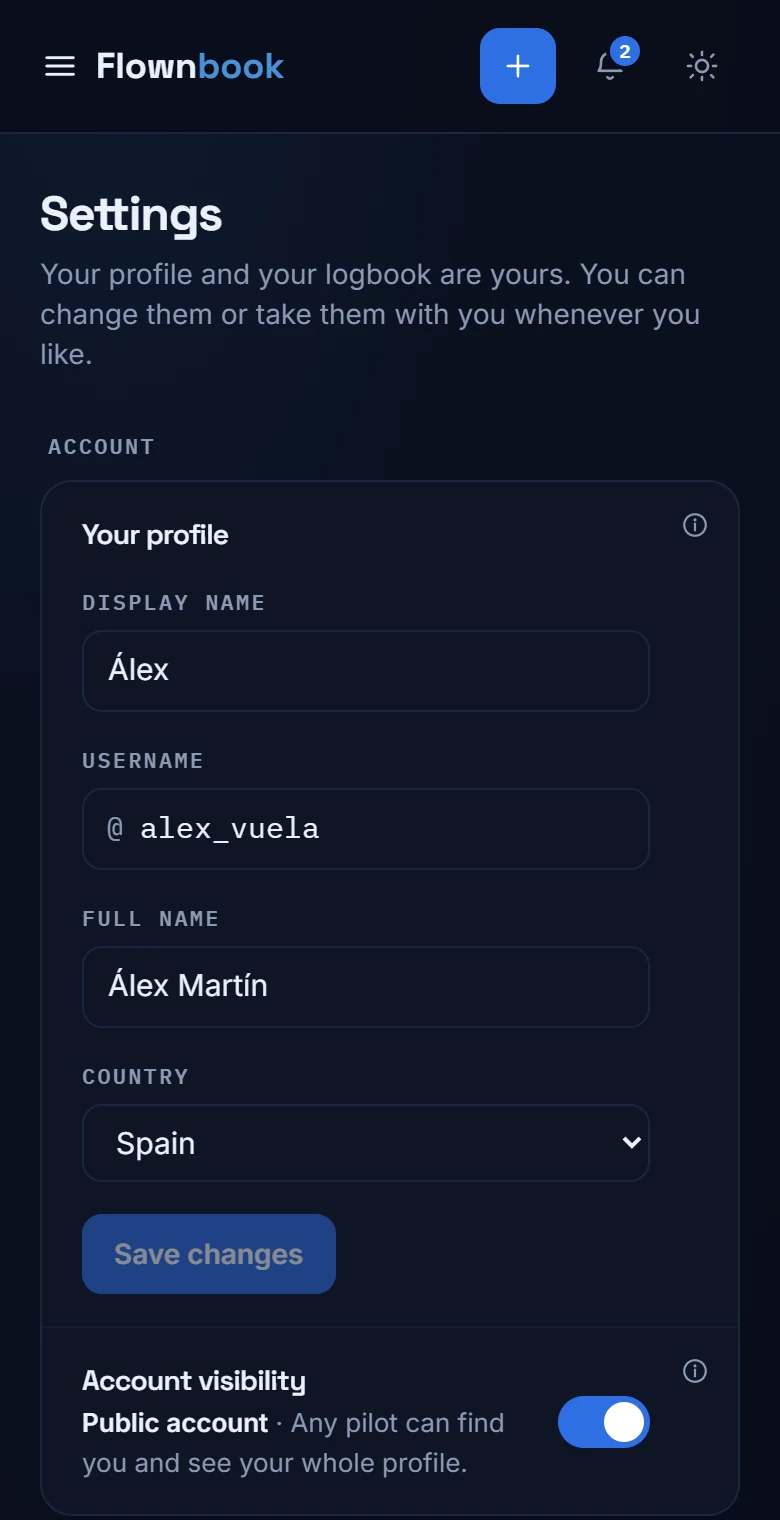
Enlarge image ↗
Step by step
How to use
Settings.
Open the app and follow along.
Keep your profile up to date
Edit your display name, full name, handle, bio, country and home airport. Save your changes when you're done.
Choose your visibility
Under “Account visibility” you can choose a public or private account. With a private account, you approve new follower requests.
Keep a copy
Under “All your data”, tap “Download JSON” to get a copy of your information. If you only need your flights as CSV or PDF, use Export in Logbook.