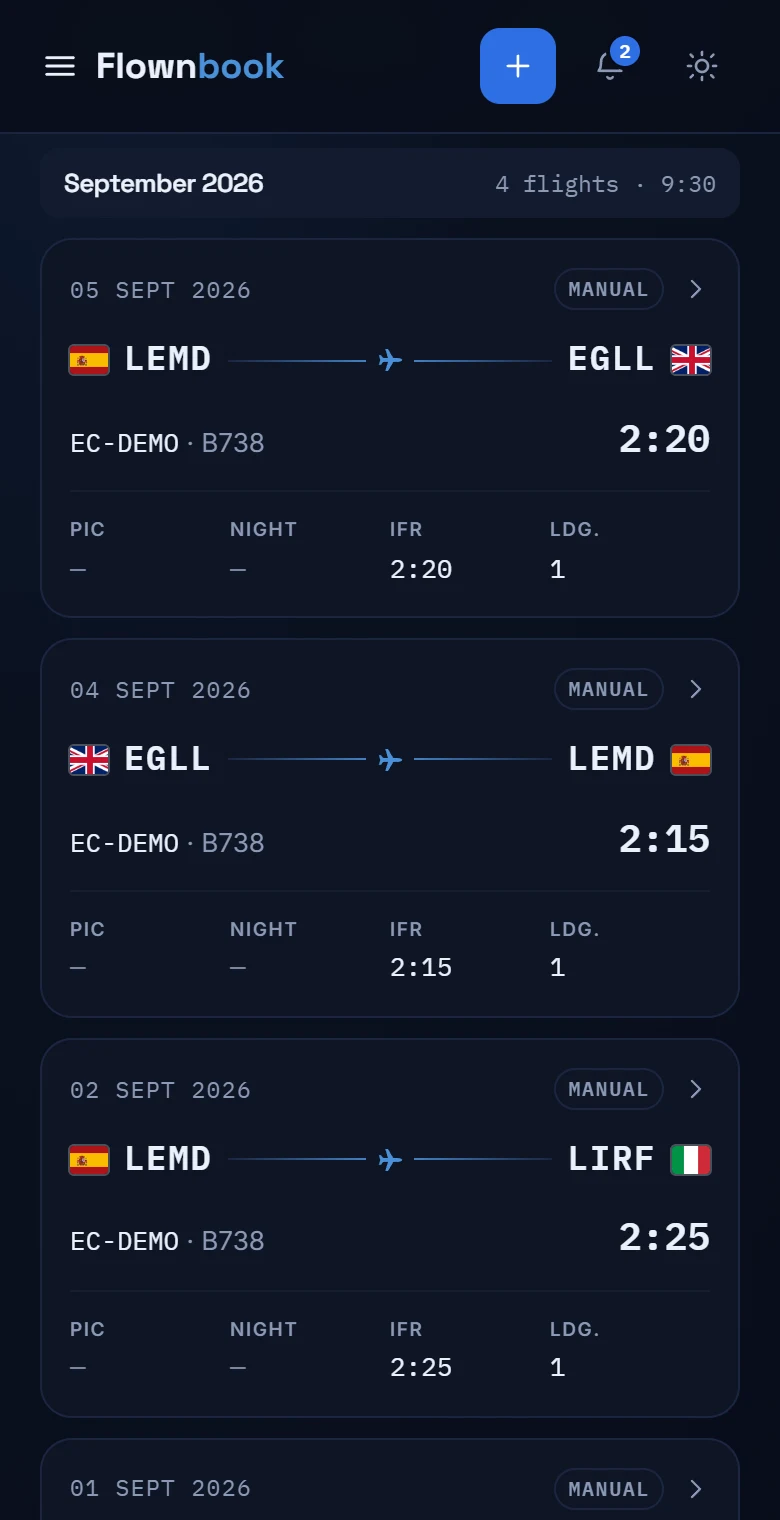
Logbook · Every flight counts
Everything you've flown. Always at hand.
A history that's easy to browse, filter and export. On your phone each flight gets its own card; on a computer you can scan them in a table.
WHERE TO FIND ITMain menu → Logbook
Enlarge image ↗
Step by step
How to use
Logbook.
Open the app and follow along.
Find the flight you're after
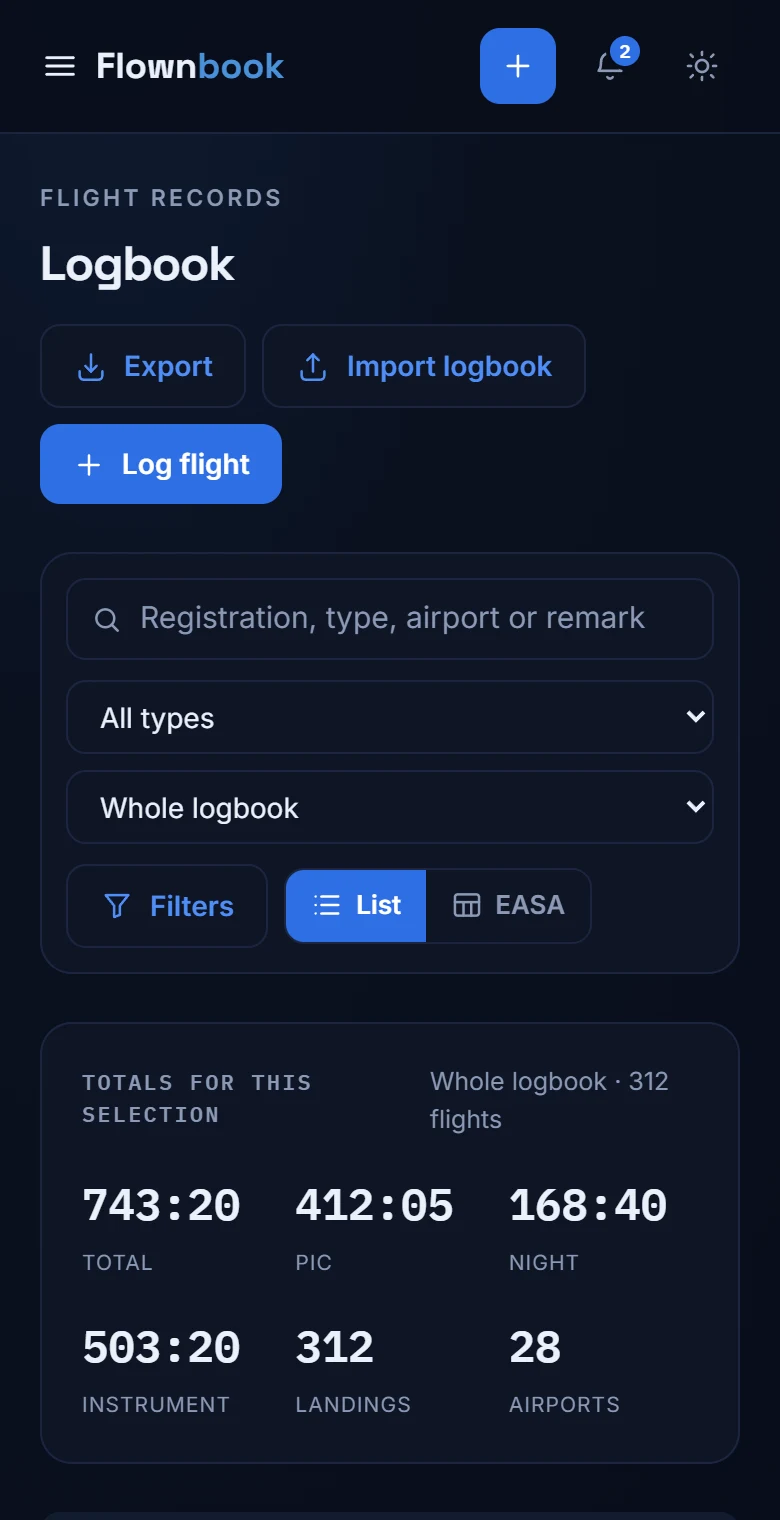
Pick a period and filter by aircraft type, role, instrument or night flying. The totals match the filters you're looking at.
Review or correct an entry
Open a flight's card to see its fields and edit the data. From the header you can also log a flight or import your history.
Take your logbook with you
Open “Export” and choose CSV or PDF in EASA format. Check the pilot details and the dialog's options before downloading.