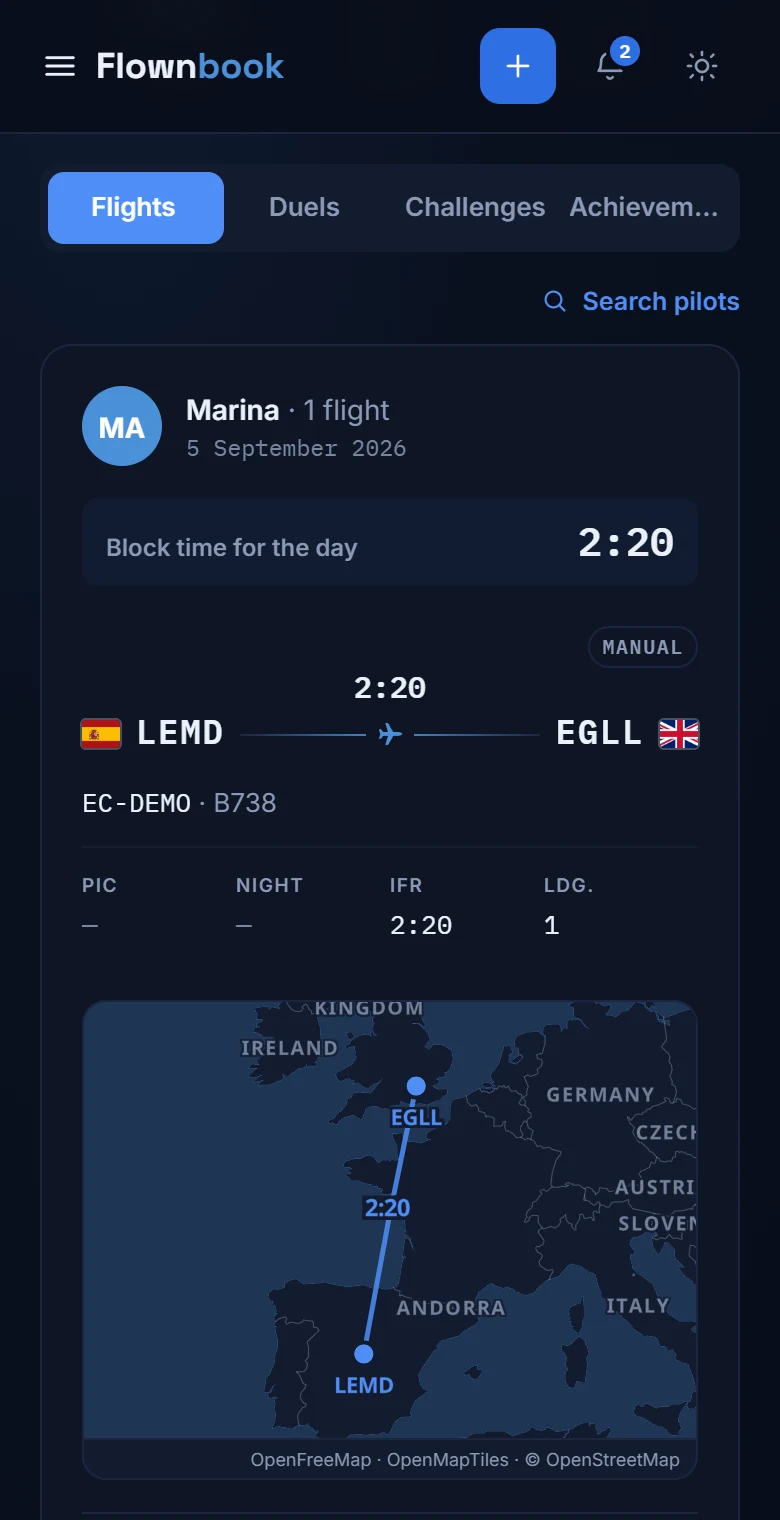
Lounge · Your crew room
Flying connects you. So does this.
See what the pilots you follow are flying, share a reaction and find your community between flights.
WHERE TO FIND ITMain menu → Lounge
Enlarge image ↗
Step by step
How to use
Lounge.
Open the app and follow along.
Find your crew
Search for pilots from your profile and follow them. If an account is private, its owner will have to accept your request.
Share the flight
“Friends' activity” shows the flights of the people you follow. You can like them and open the comments to talk about the trip.
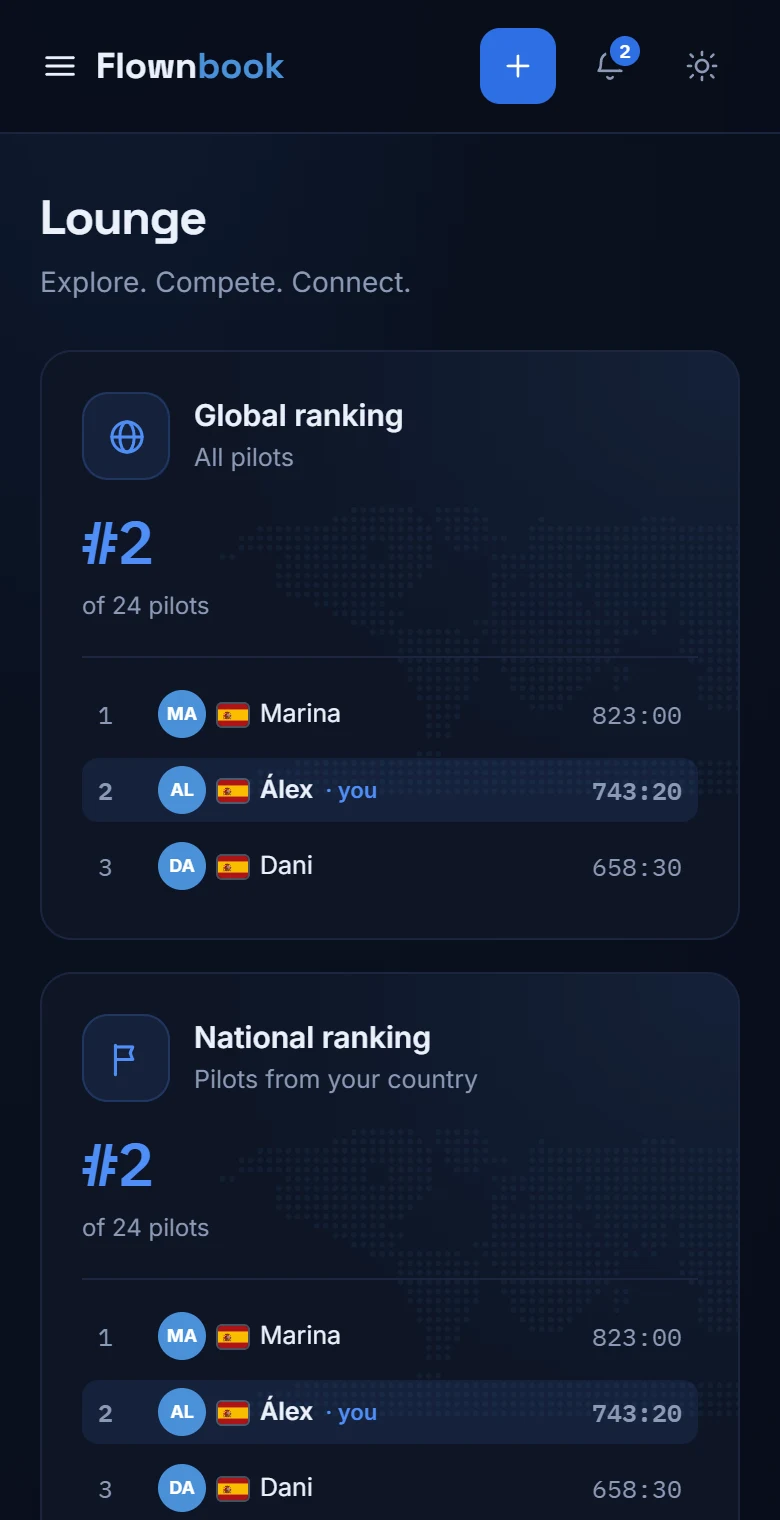
Explore the community
Check the global, national and friends rankings. On the same screen you'll find challenges, duels and the achievements gallery.